
A store page for every game
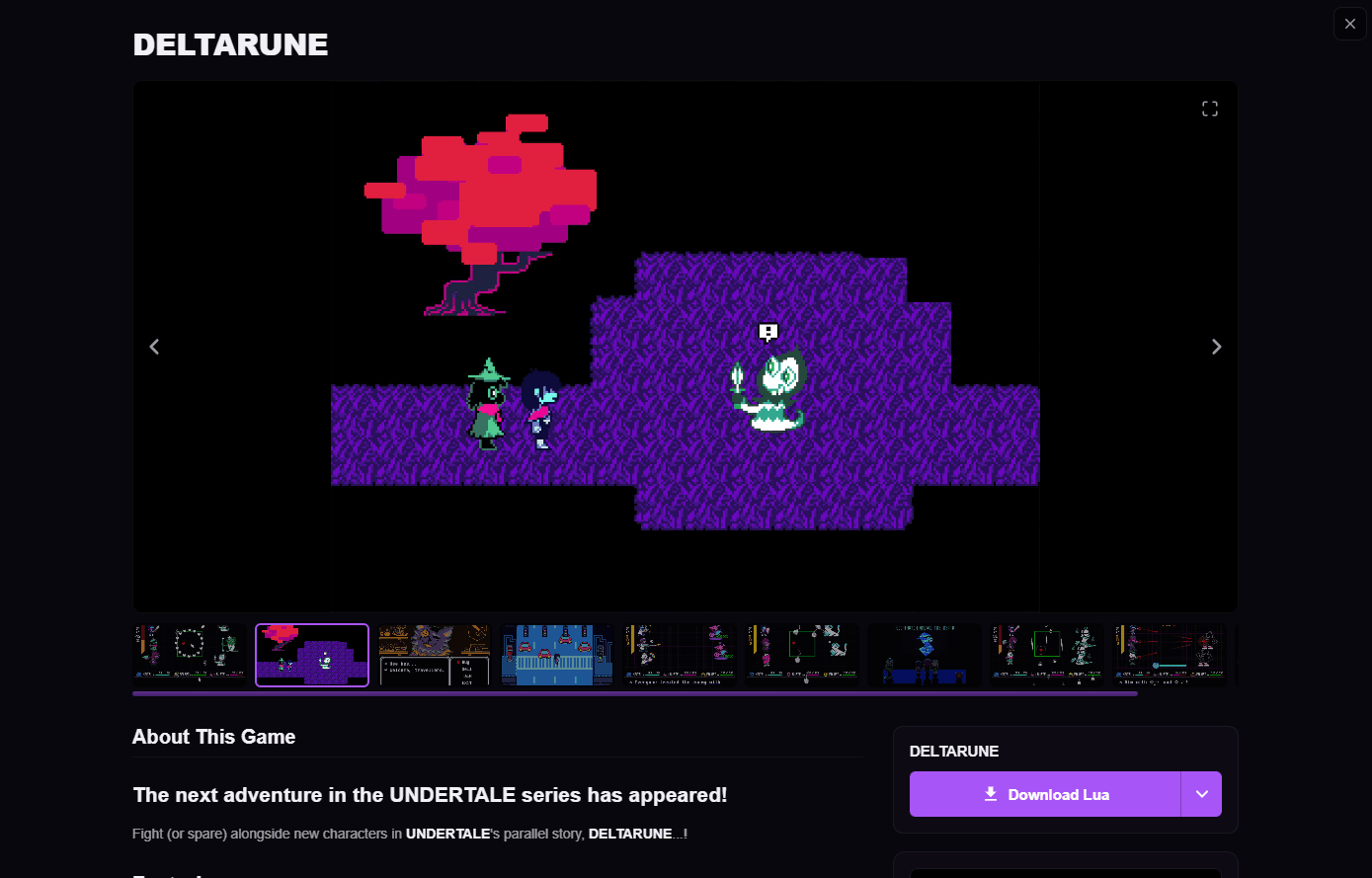
Trailers, screenshots, specs and reviews, the whole Steam page plus a Download Lua button. The home feed keeps loading as you scroll.
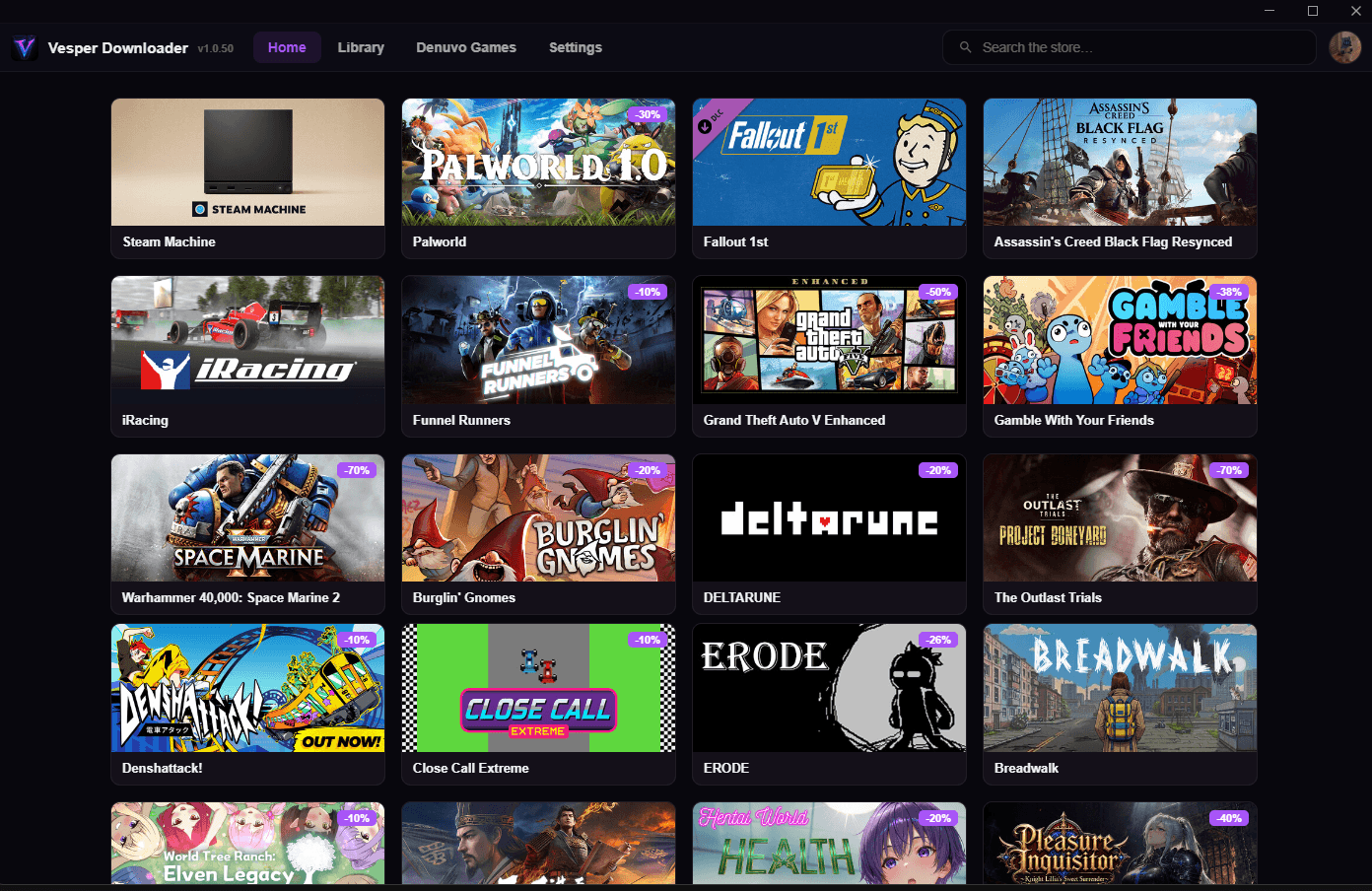
Vesper puts the Lua and manifest files into Steam for you, grabs fixes and online-fixes when a game needs them, and runs Denuvo activations from the same window. Free on Windows.
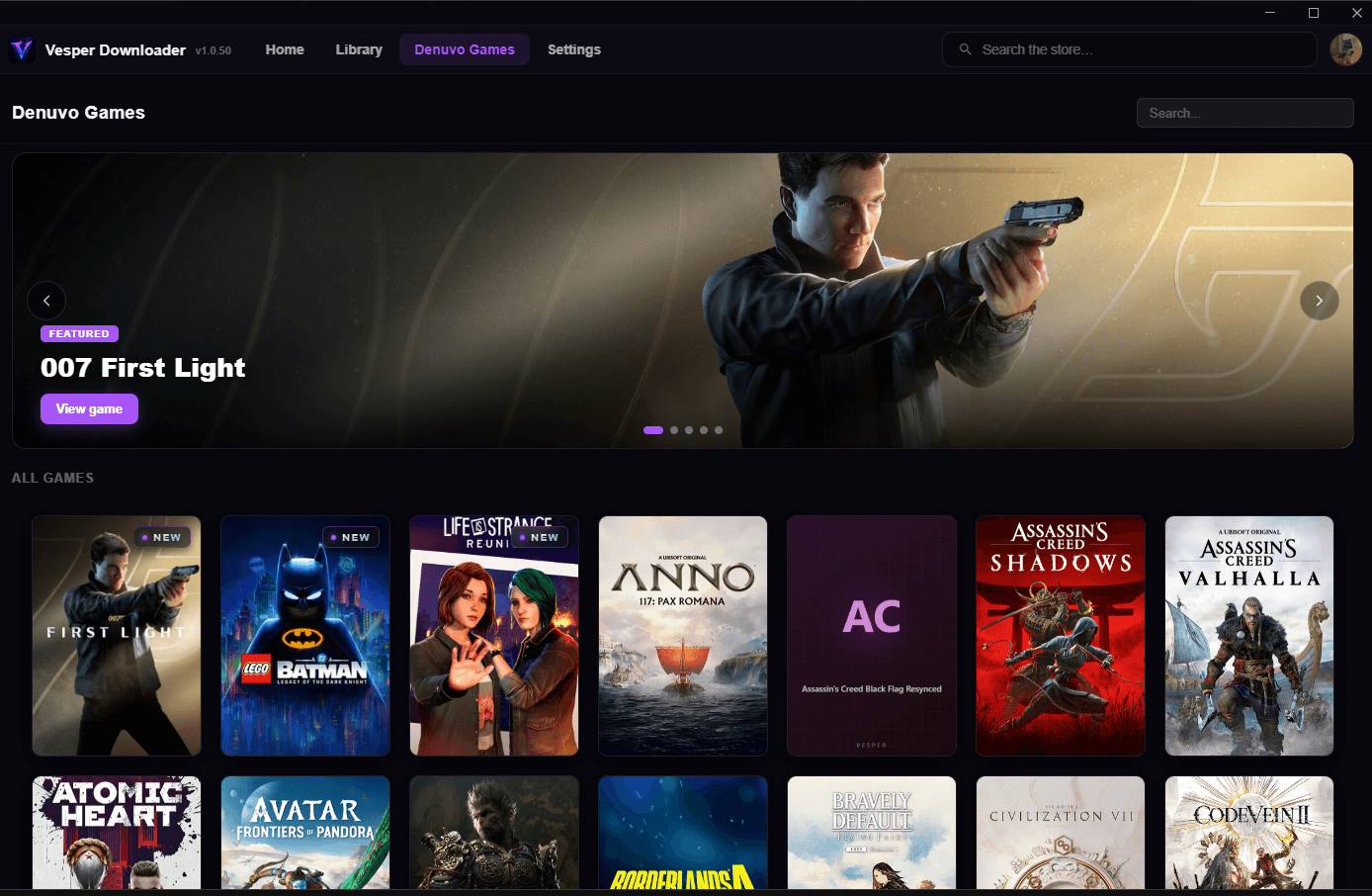
How it works
Run the installer. You can start without an account.
Vesper writes the files into Steam. If the game needs a fix or online-fix, it's on the same page.
It's in your library. Denuvo game? Run the activation in Vesper first (Discord login required).
Features
Trailers, screenshots, specs and reviews, the whole Steam page plus a Download Lua button. The home feed keeps loading as you scroll.
Pick from the Denuvo Games tab and activate in the app. Needs Discord login.
If a fix exists for a game, it's on that game's page.
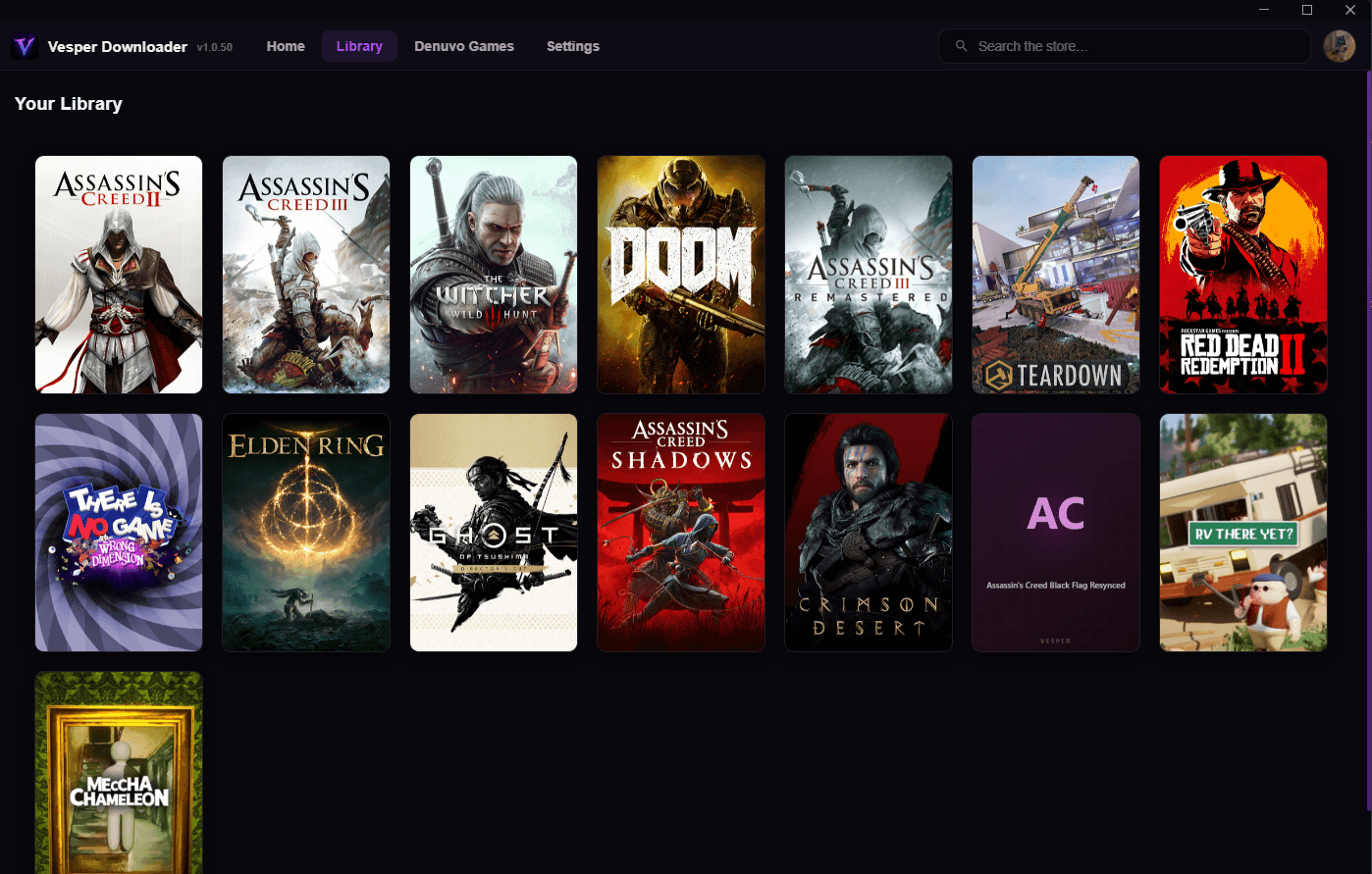
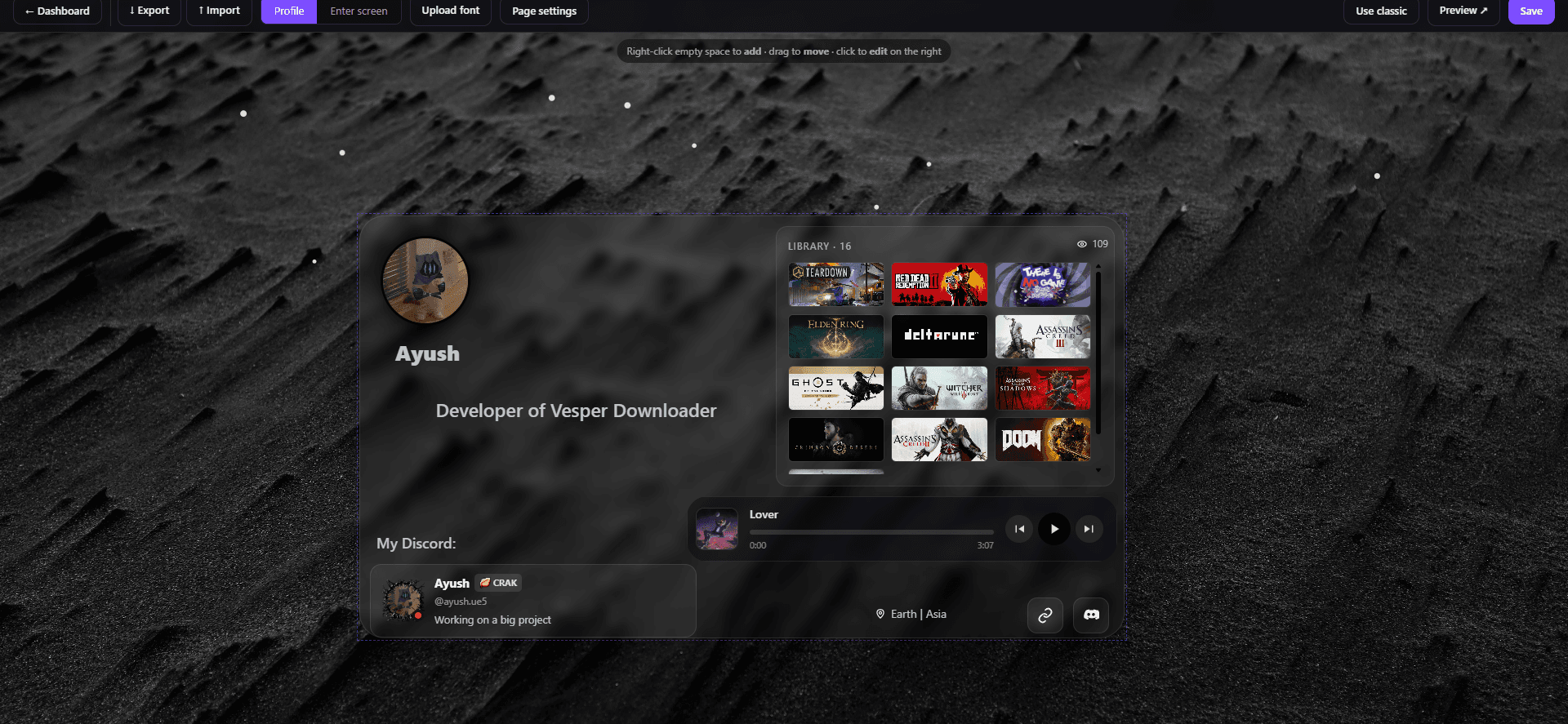
Log in once and everything you add shows on your profile.
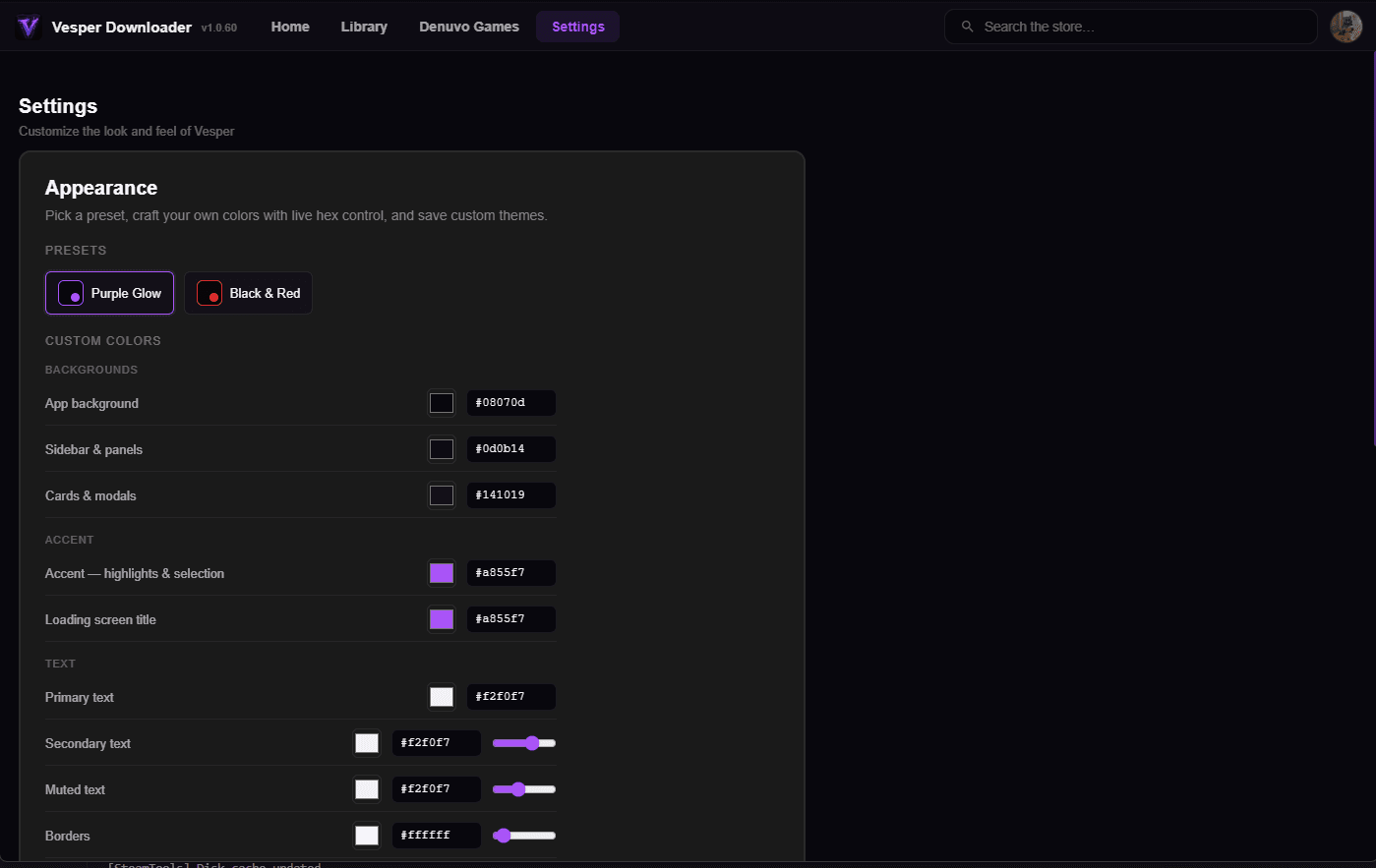
Purple Glow, Black & Red, or set every hex yourself. The app re-tints live.
Carousel, About, tags, developer, publisher, minimum and recommended specs. Download Lua sits top right.
Claim /u/yourname and drop it in your Discord bio.
Yes. The app, Lua downloads, fixes and your profile cost nothing. Premium is an optional $5/month.
Not to start. Guests get 10 downloads per PC. Log in with Discord and join the server and the cap's gone. Denuvo activations always need the login.
It adds the Lua and manifest files Steam needs to show a game in your library. Fixes and online-fixes are separate downloads on the game's page.
Open the Denuvo Games tab and activate from the app. What you can activate depends on your tier; Premium gives you Bronze for 30 days.
20 MB uploads, an app restyle by the dev, custom profile work, and Bronze-tier activations. $5 or ₹500 a month, approved within 24h.
A hardware ID, IP and your Lua/fix/activation counts, so we can enforce the guest limit and stop abuse. If you log in, your Discord ID and synced library are stored for your profile. Profile and library can be set private any time.
A page at vesperdownloader.online/u/yourname with avatar, bio, links, background, music, Discord status and your library. Lay it out however you want with the free drag-and-drop builder.
Post in the Discord. Support and fix requests live there.
Being in the server removes the 10-download guest cap. Fix requests, updates and support all happen there.
Join the Discord ayush.ue5Lead developer
 itzzprimeActivation & Denuvo
 kys0_1.Frontend design
 momin.69Frontend design
 ig.zayrixObfuscation
 xfgts_Obfuscation
 nanami.saiDenuvo games downloading